


When it comes to UX research, finding the right tool can be as crucial as the research itself. While Dscout has been a popular choice for many researchers, the ever-evolving needs of UX professionals call for a thorough exploration of worthy Dscout alternatives. In 2026, the landscape of UX research tools has expanded yet again, offering various options that cater to different needs and budgets. Whether you’re looking for similar tools or apps like Dscout or simply seeking more cost-effective solutions, this guide will walk you through the 12 best Dscout alternatives, each with its unique strengths. Right, let’s hop to it…
Start testing in minutes and get results within hours. Tap into our pool of 170k+ testers and watch videos of users interacting with your product on their devices. Discover what’s working for your product, and what’s not!
Start your free trialTL;DR – 12 Best Dscout Alternatives for UX Research in 2026
- Userbrain 🏆
- UserTesting 🥈
- UX Tweak 🥉
- Hotjar
- Lyssna (UsabilityHub)
- Optimal Workshop
- Maze
- Testbirds
- PlaybookUX
- Trymata (TryMyUI)
- Userfeel
- Userlytics
Dscout: A leader in UX Research?
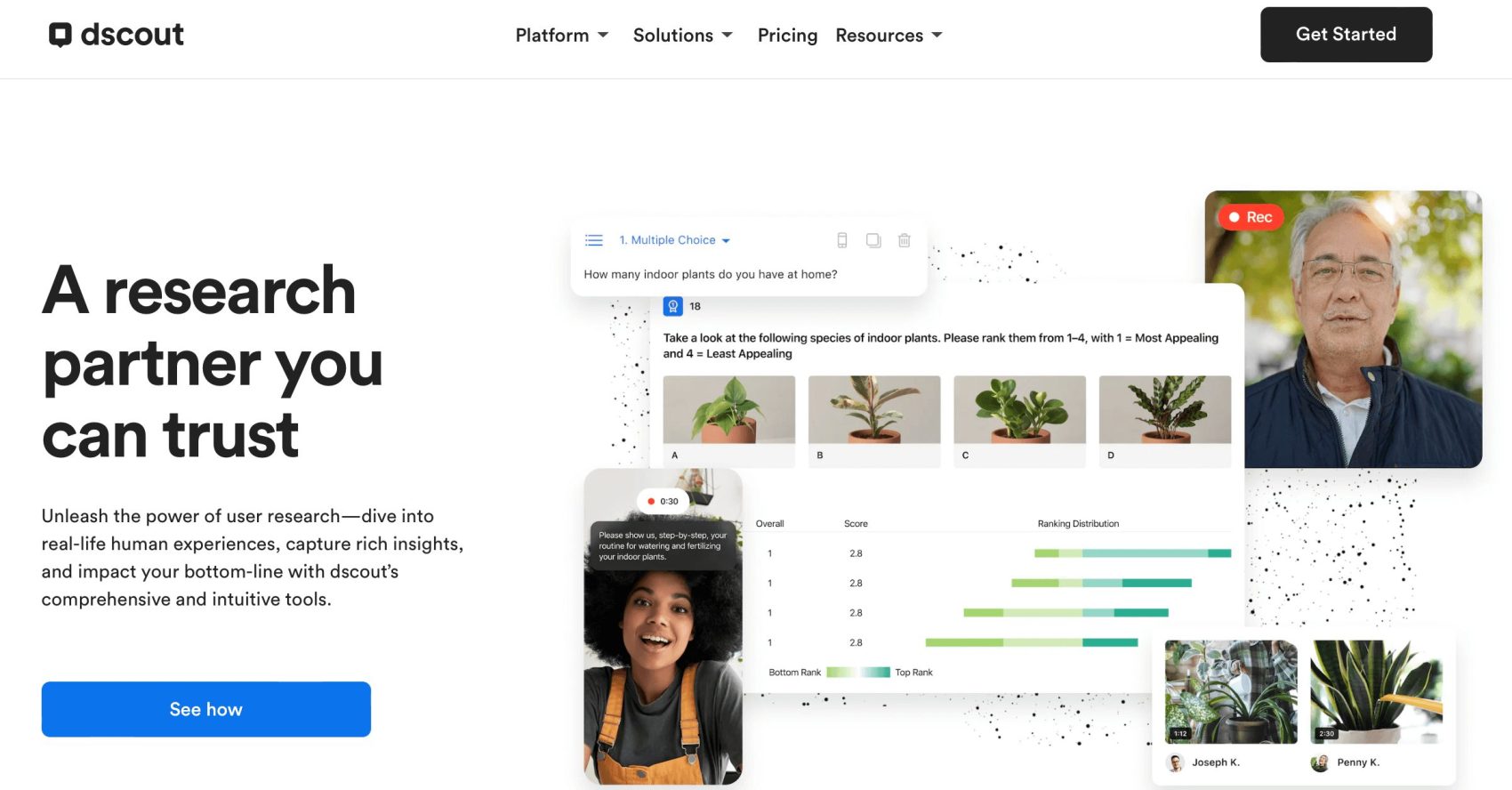
It’s no secret that Dscout has established itself as a key player in the UX research field, offering a qualitative research platform that dives deep into real-life human experiences. Known for its comprehensive and intuitive feature set, Dscout caters to the complete product lifecycle, including foundational, generative, and evaluative research phases. It’s a research partner trusted for its ability to source suitable testers, manage and analyze research effectively, and build user empathy through insightful shareouts. Phew… that was a lot of jargon, right?
Key Features of Dscout
- Versatile research methods: Dscout provides both moderated and unmoderated research methods, including usability testing, interviews, and longitudinal studies.
- Centralized dashboards: You can keep all your findings in one central dashboard for efficient research management and easy access to insights.
- Advanced research tools: Features task questions, Talk Out Loud prompts, heat mapping, card sorting, and continuous recording with auto-transcription.
- Flexible participant sourcing: Allows sourcing participants from its own pool or bringing your own, with over 530,000 panelists available.
Pros and Cons of Dscout
Dscout Pros
- Comprehensive research tools for in-depth user insights.
- Flexible participant sourcing options.
- User-friendly and intuitive platform.
Dscout Cons
- Pricing information is not readily available on the website.
- Some users may find the platform’s extensive options initially overwhelming.
Overall: Is Dscout Legit? Reviews and User Feedback
- Dscout is legit and well-received, with a 4.5-star average rating on the Apple App Store and a 4.2-star average rating on other platforms.
- Users appreciate the platform’s user-friendly nature and the depth of insights it provides.
- Some reviews, however, highlight the need for more transparent pricing information and the challenges of navigating through its extensive features.
Overall, Dscout is a reliable and comprehensive tool for UX research, offering a range of features that cater to different research needs. Its focus on capturing rich insights and impacting the bottom line makes it a valuable asset for businesses looking to enhance their user experience.
However, while Dscout offers a robust set of features, it’s essential to explore alternatives that might better align with specific project needs, budgets, or research methodologies. Case in point: if you’re on this page, the chances are you’re looking for something a little different. So let’s dive into the 12 best Dscout alternatives for UX research in 2026.
The 12 Best Dscout Alternatives for UX Research in 2026
The following list of the 12 best Dscout alternatives for UX research is curated to provide you with a comprehensive overview of options that cater to a variety of needs, from in-depth analysis to quick user feedback. Let’s explore these tools to find the one that aligns best with your project goals and research methodology.
1. Userbrain 🏆
Userbrain emerges as the leading Dscout alternative, offering fast, simple, and affordable user testing. It’s the go-to choice for UX teams needing quick insights, with a platform that allows test setup in minutes and results within hours. At it’s core, Userbrain is the definition of user testing as it should be: no frills, no fuss, just real human insights.
Userbrain Features
- Easy test setup with 50+ ready-made user testing templates.
- User testing recruitment: Access to over 180,000 quality-assured testers.
- AI user testing for quick and easy user test analysis.
- Real-time analysis with video feedback.
- Optimized for prototype, mobile app, and website testing.
- A 30-day free trial for your whole team, with access to all testing and analysis features, so you can actually try it before deciding.
- And many more. Discover all Userbrain features.
Userbrain Pricing
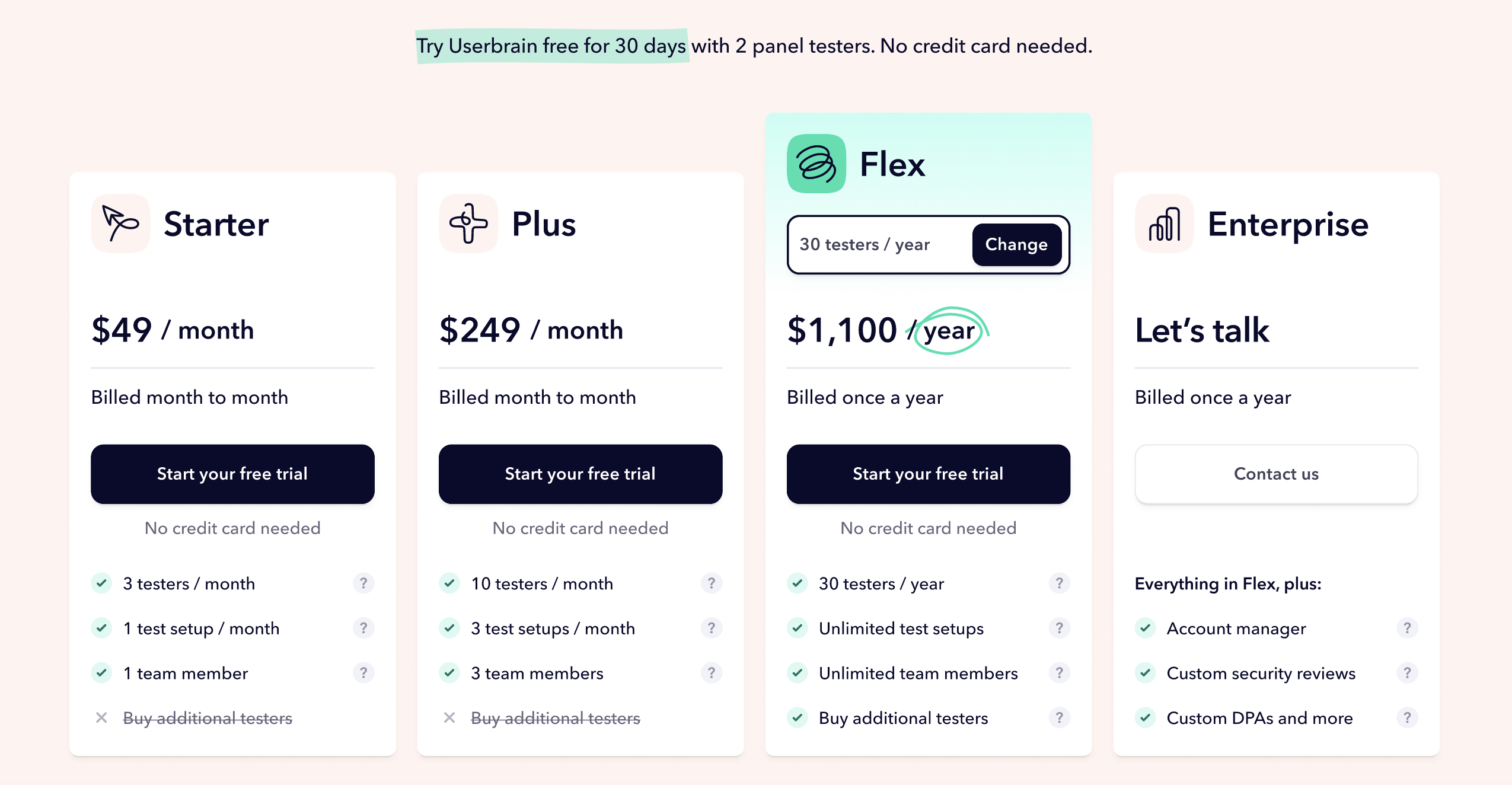
Every plan includes all testing and analysis features, AI insights, transcripts, and automated reports. Nothing is held back for a higher tier. Every new account starts with a 30-day free trial: 2 panel testers, 5 sessions with your own users, and access to all testing and analysis features, no credit card required. See the full pricing breakdown, or book a call to talk through Enterprise options. 👋
Userbrain Pros and Cons
- Pros: Affordable, quick results, large tester pool.
- Cons: No telephone support.
Userbrain Reviews
- Praised for simplicity and cost-effectiveness – via G2.
But don’t take Userbrain users’ word for it. Try it yourself with a 30-day free trial, 2 panel testers included. Start free trial! 🚀
2. UserTesting
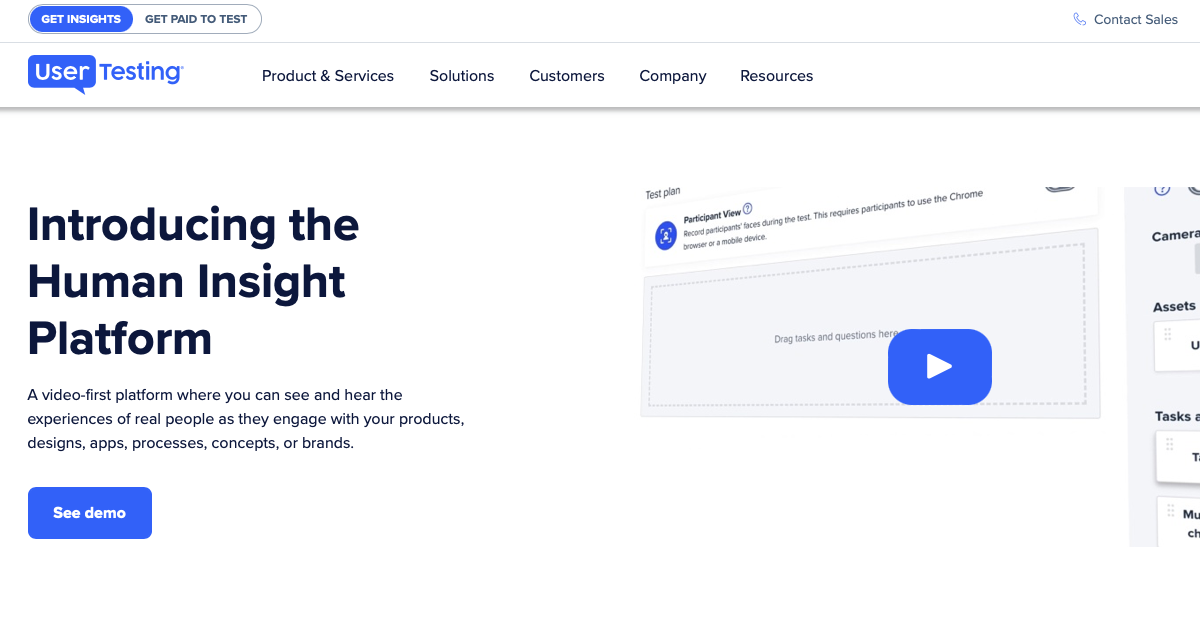
UserTesting offers an unparalleled suite of UX research tools, known for its in-depth insights and large tester pool. However, that functionality comes at a price.
UserTesting Features
- Moderated and unmoderated testing methods.
- A large participant panel spanning more than 60 countries.
- Advanced analytics for detailed user behavior understanding.
UserTesting Pricing
- Custom pricing model. Pricing information is not available directly on the UserTesting website.
UserTesting Pros and Cons
- Pros: Extensive tester pool, comprehensive testing options.
- Cons: Higher pricing and lack of transparent pricing information upfront.
UserTesting Reviews
- Highly rated for customer support and fast response times – via GetApp. If the price tag gives you pause, our list of the 6 best UserTesting alternatives covers more cost-effective usability testing options.
3. UX Tweak
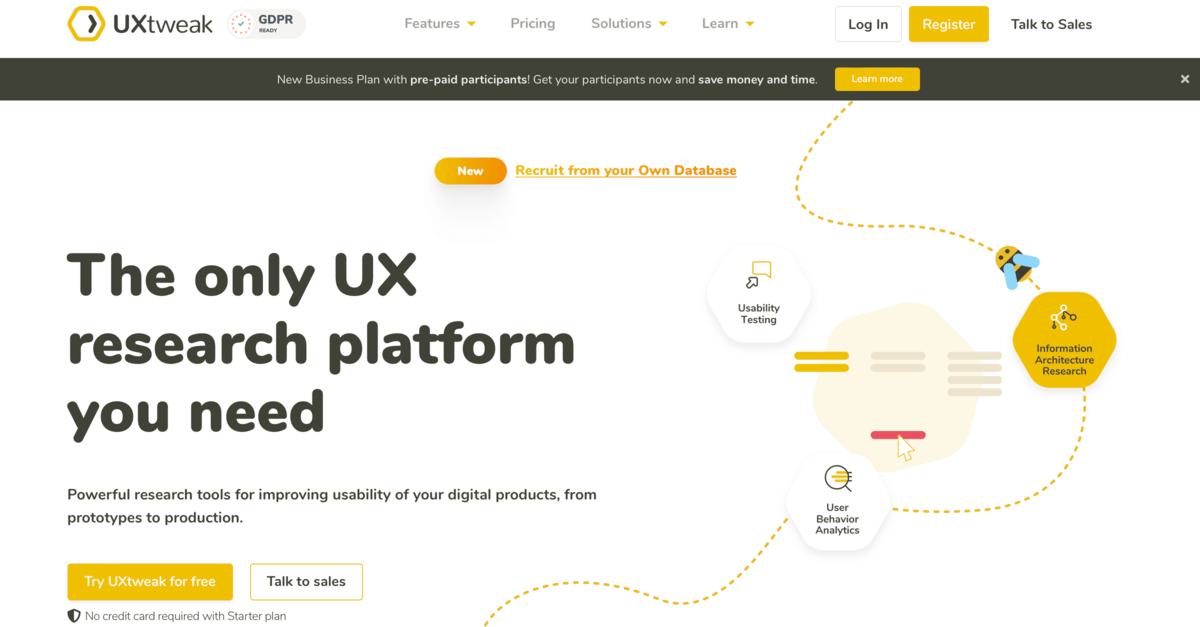
UX Tweak specializes in improving digital product usability, offering a range of tools for both prototypes and production.
UX Tweak Features
- Card sorting, tree testing, and surveys.
- Remote usability testing.
UX Tweak Pricing
- Free plan available.
- Business from $92/month, billed annually.
- Enterprise: custom pricing.
UX Tweak Pros and Cons
- Pros: Wide range of research tools, free plan for small projects.
- Cons: Full feature access requires contact with Sales.
UX Tweak Reviews
- Rated highly for versatility and range of features – via Capterra.
📚 Looking to make the switch from UX Tweak? Check out the 6 best UX Tweak alternatives for user testing.
4. Hotjar (now Contentsquare)
Hotjar stands out for its unique blend of analytics and feedback features, ideal for understanding user behavior on websites and apps from a quantitative point of view. Note: Hotjar is being folded into its parent company Contentsquare, so new signups now go through Contentsquare directly, but the product and pricing below are still what you'll get.
Hotjar Features
- Heatmaps, session recordings, surveys/feedback, and funnels.
- AI insights for enhanced data analysis.
Hotjar Pricing
- Free plan available.
- Experience Analytics Growth from $49/month, billed annually.
- Voice of Customer Growth from $99/month, billed annually.
- Pro and Enterprise: custom pricing.
Hotjar Pros and Cons
- Pros: Comprehensive toolset, free plan available.
- Cons: Advanced features require a paid plan.
Hotjar Reviews
- Highly rated for heatmaps and session recordings – via G2.
📚 Looking for something a bit more qualitative in focus? Read through our list of the 6 best Hotjar alternatives for product testing.
5. Lyssna (Formerly UsabilityHub)
Lyssna, the recently renamed UsabilityHub, offers a comprehensive user research platform which focuses on removing the guesswork from design decisions.
Lyssna Features
- Usability testing, user interviews, and surveys.
- Access to over 500,000 panelists.
Lyssna Pricing
- Free plan available.
- Growth: $199/month or $1,990/year (about $165.83/month billed annually).
- Enterprise: custom pricing.
- Participant panel billed separately, generally around $1/credit.
Lyssna Pros and Cons
- Pros: Wide range of research tools, large research panel.
- Cons: Full feature access requires a high-end subscription.
Lyssna Reviews
- Praised for versatility and depth of insights – via G2. Want more options in this space? Check out the 6 best alternatives to Lyssna for quick and easy user testing.
6. Optimal Workshop
Optimal Workshop provides a suite of specialized features for user research, streamlining the process and offering detailed insights.
Optimal Workshop Features
- Card sorting, tree testing, first-click testing.
- Automated analysis and in-app participant recruitment.
Optimal Workshop Pricing
- Starter: $199/month, billed annually ($2,388/year): includes 5 launched studies per year, unlimited seats, and unlimited participant responses per study.
- Enterprise: custom pricing.
Optimal Workshop Pros and Cons
- Pros: Comprehensive feature suite, including automated analysis.
- Cons: Full feature access requires contact with sales.
Optimal Workshop Reviews
- Highly rated for ease of use and effectiveness – via G2.
7. Maze
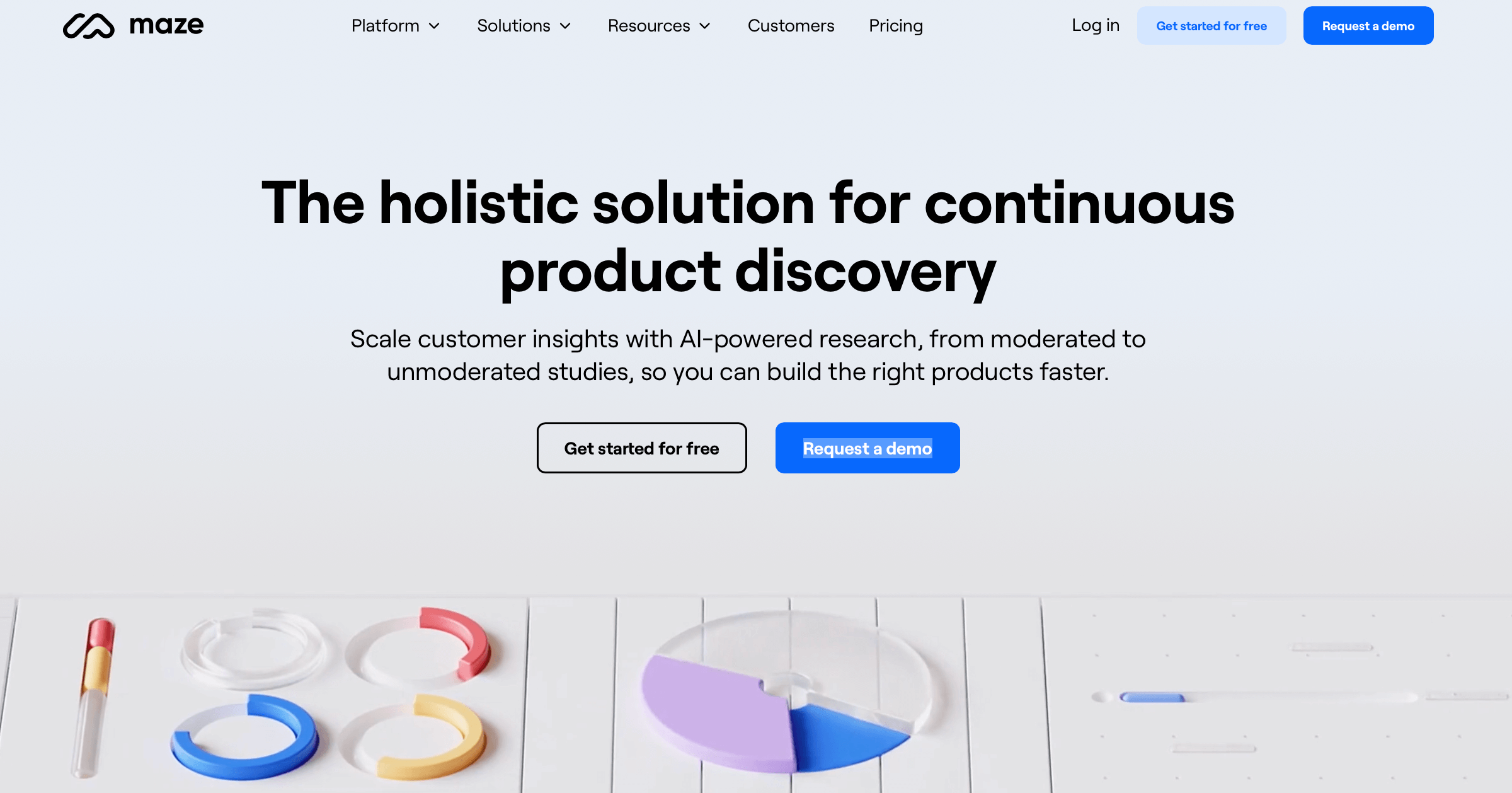
Maze focuses on continuous product discovery with AI-powered research features that are suitable for a wide range of user research needs.
Maze Features
- AI-powered research tools, prototype testing.
- Card sorting and feedback surveys.
Maze Pricing
- Free plan available (1 study/month, 5 seats).
- Platform pricing beyond that is custom/contact sales. Panel credits are billed separately: $5/credit, with unmoderated and moderated sessions ranging from $15 to $225 depending on type.
Maze Pros and Cons
- Pros: Comprehensive AI-powered tools, and extensive template library.
- Cons: Full feature access requires a more expensive subscription.
Maze Reviews
- Highly regarded for AI features and efficiency – via Capterra.
8. Testbirds
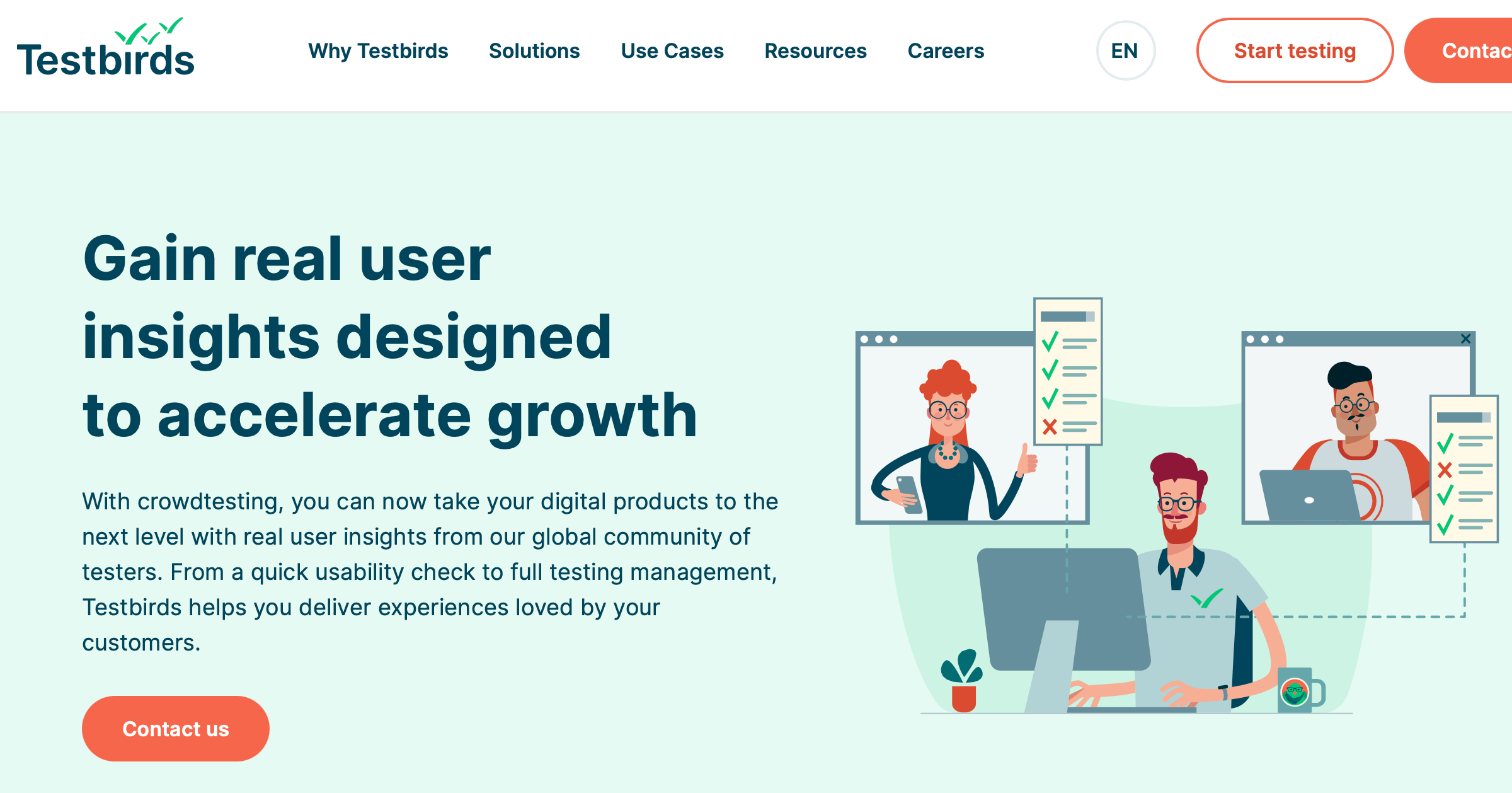
Testbirds specializes in crowdtesting for digital products, offering a unique approach to QA and UX testing.
Testbirds Features
- Diverse testing methods, global tester community.
- Customizable test scenarios.
Testbirds Pricing
- Credit-based system, BirdCoins… yeah, ‘unique’ is the word we’re thinking of too. cough
- 1 BirdCoin is about €28 (roughly $32). Total project cost depends on how many BirdCoins your study needs per tester, device, and service level.
Testbirds Pros and Cons
- Pros: Extensive global community, flexible testing options.
- Cons: Pricing details require direct contact.
Testbirds Reviews
- Mixed reviews, with positive feedback on test availability and management – via G2.
9. PlaybookUX
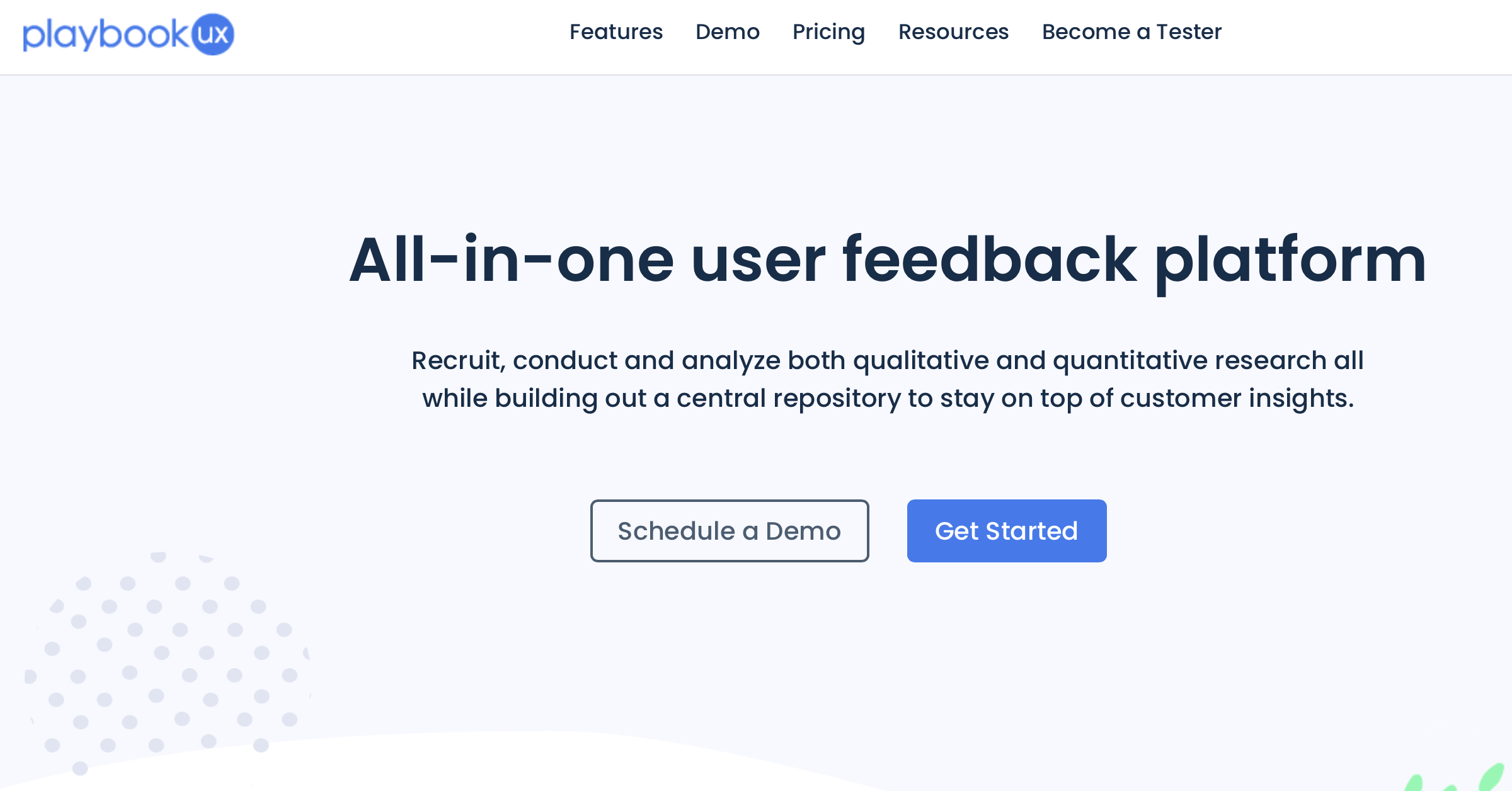
PlaybookUX offers an all-in-one solution for user research, simplifying the process of recruiting, conducting, and analyzing research.
PlaybookUX Features
- Unmoderated testing, moderated interviews, card sorting.
- Advanced analysis tools and central research repository.
PlaybookUX Pricing
- Self-Serve: instant access with limited features, 50 sessions/year.
- Scale: $5,400/year. Pro: $8,800/year. Enterprise: custom.
- Panel participants billed separately: $65 per unmoderated participant (10–15 min), $115 per moderated participant plus $55 per additional 30 minutes.
PlaybookUX Pros and Cons
- Pros: Comprehensive suite of research tools, advanced analysis features.
- Cons: Pricing details require direct contact or a demo session.
PlaybookUX Reviews
- Appreciated for its all-in-one approach and efficiency – via Capterra.
10. Trymata (Formerly TryMyUI)
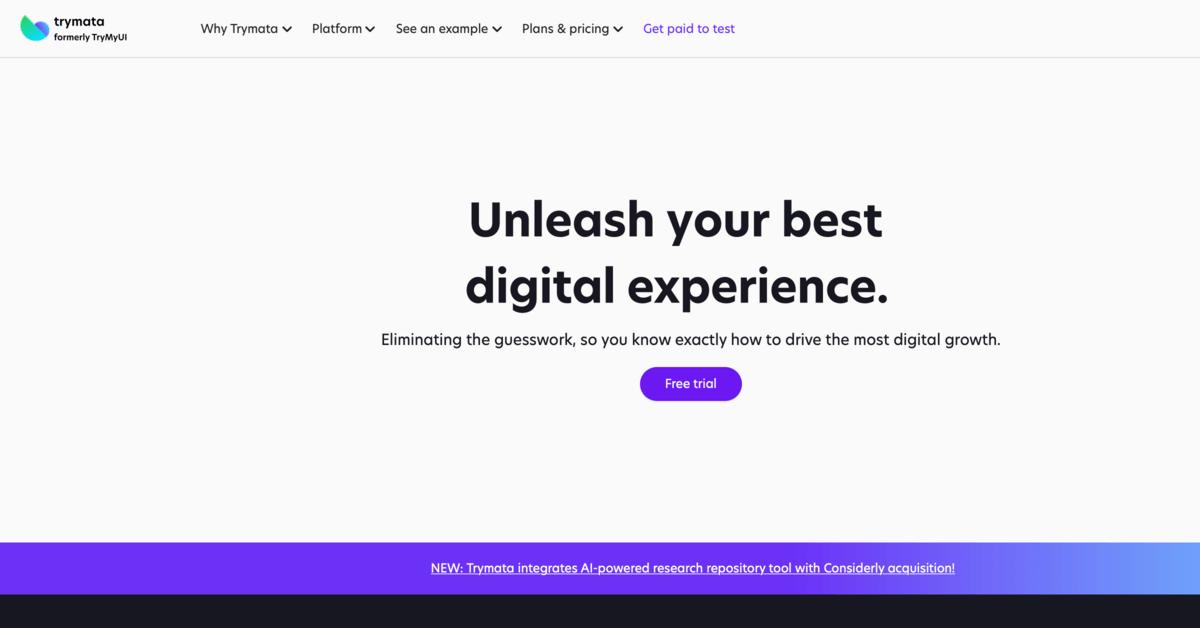
Trymata, the second coming of TryMyUI, merged into QuestionPro UX in 2026 and now offers a range of tools for both moderated and unmoderated UX testing, suitable for comprehensive user experience insights as part of QuestionPro's broader research suite.
Trymata Features
- Moderated and unmoderated testing, remote testing capabilities.
- Quantitative and qualitative insights.
Trymata Pricing
- Not publicly listed since the QuestionPro UX merger. Study cost depends on study type, participant count, and whether you use the panel or your own users. Request a demo for an organization-specific quote.
Trymata Pros and Cons
- Pros: Offers both qualitative and quantitative research tools.
- Cons: Pricing information requires direct contact.
Trymata Reviews
- Mixed reviews, with positive feedback on pricing flexibility and user feedback quality – via Trustpilot. Curious how it stacks up head to head? See our Trymata vs. Userbrain comparison, you might be surprised.
11. Userfeel
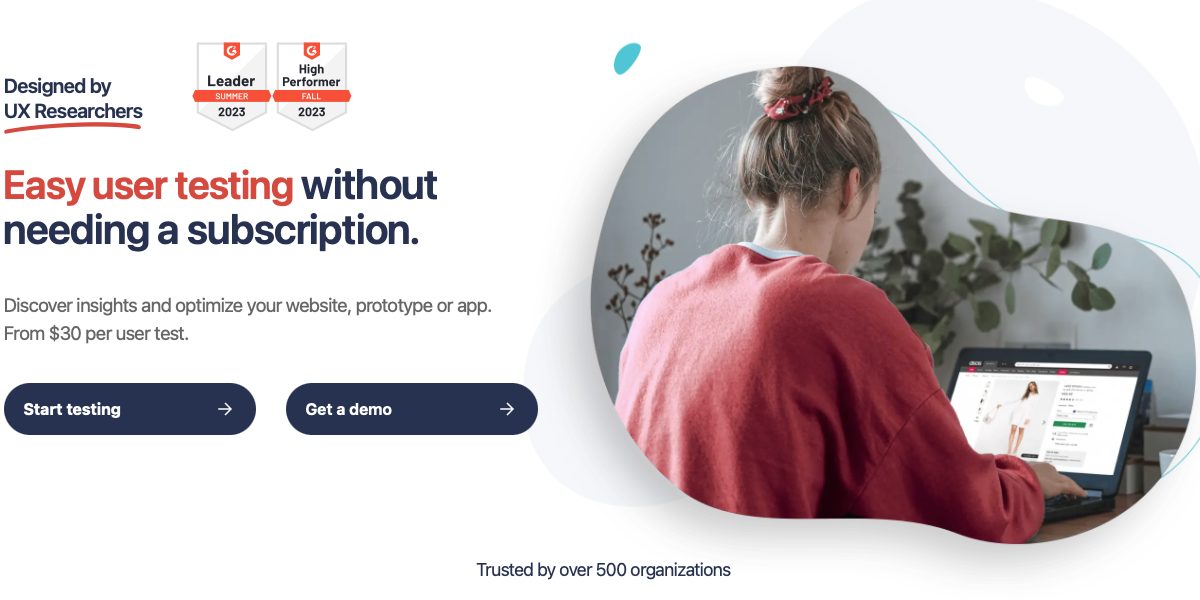
Userfeel provides a flexible and affordable solution for UX research, known for its multilingual testing capabilities and, on higher plans, non-English panel access and AI analysis.
Userfeel Features
- Multilingual testing, demographic filtering.
- Unmoderated and moderated testing options.
Userfeel Pricing
- Free: $0 (3 credits/month).
- Solo: $3,000/year (50 credits, $60/credit).
- Team: $5,500/year (100 credits, $55/credit).
- Enterprise: $15,000/year (300 credits, $50/credit).
- Custom: custom pricing.
Userfeel Pros and Cons
- Pros: Affordable, extensive language support, high-quality tester panel.
- Cons: Some users may prefer a subscription model.
Userfeel Reviews
- Highly rated for affordability and ease of use – via GetApp. Still comparing options? Find the perfect alternative to Userfeel for UX research.
12. Userlytics
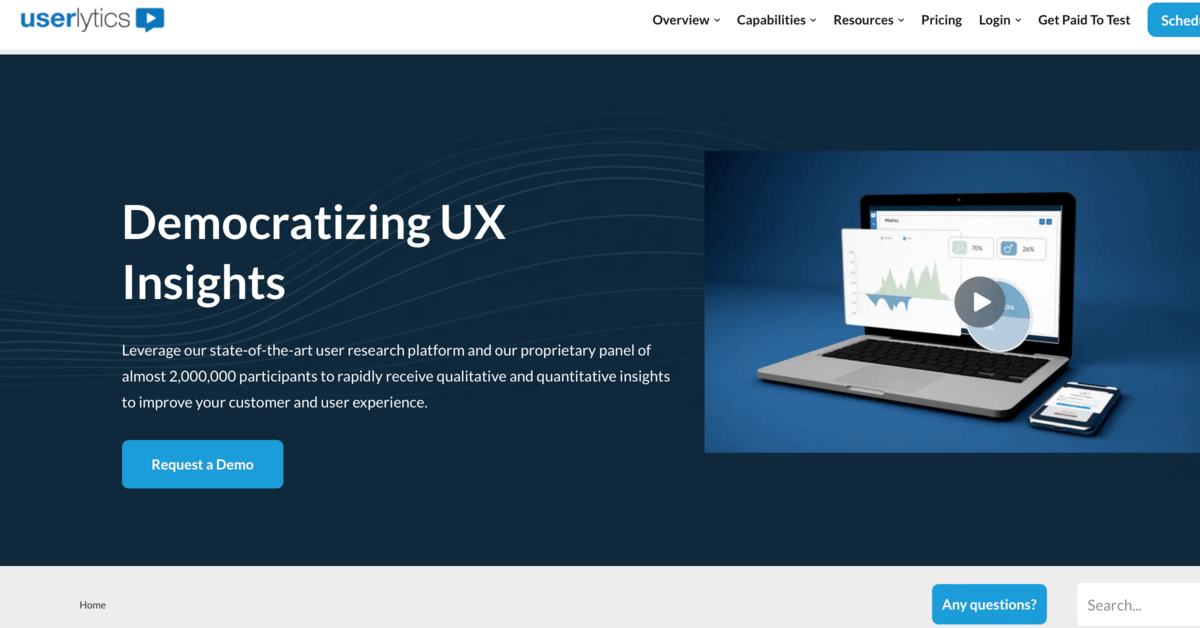
Userlytics offers a comprehensive suite of user testing tools, ideal for deep insights into user behavior.
Userlytics Features
- Unmoderated and moderated testing, large global panel.
- Multilingual studies and UX consulting support.
Userlytics Pricing
- Project Based: custom per session, minimum 5 sessions.
- Enterprise: $34/session, as low as $30/session with annual volume.
- Self-Recruitment Premium: $699/month, billed annually. Advanced: $999/month, billed annually. Limitless: custom quote.
Userlytics Pros and Cons
- Pros: Extensive global panel, qualitative and quantitative research tools.
- Cons: Pricing details require direct contact.
Userlytics Reviews
- Highly rated for versatility and depth of insights – via GetApp.
📚 Struggling to decide between Userlytics and Userbrain? Read through this brutally honest head-to-head comparison.
Conclusion: The 12 Best Dscout Alternatives for UX Research in 2026
The landscape of UX research tools is vast and varied, offering numerous alternatives to Dscout. Each of these 12 tools brings something unique to the table, catering to different needs and budgets. Whether you’re looking for websites or apps like Dscout with similar features, or simply seeking more affordable user testing solutions, this guide provides a comprehensive overview to help you make an informed decision. Remember, the right user testing tool can significantly improve the success of your UX research, so choose wisely!
Your next steps with Userbrain
And the obvious wise choice is to start testing (for free!) with Userbrain immediately.
Get 30 days for your whole team, with access to all testing and analysis features: 2 panel testers, 5 sessions with your own users, no credit card required. Start free trial! 🚀
🚨 Important: Starting a Userbrain trial should ward off any evil UX spirits, ghouls, and goblins from mercilessly sabotaging your product or service for a full 30 days. Plenty of time to run a real test, see the results, and get your whole team on board.
Speaking of which, book a call with us to find the perfect Userbrain plan for your user testing needs. 👋 We’ve got something for everyone!