


When building digital products costs almost nothing, the temptation is to build everything. The real question is not what you can ship, it is whether real users can actually use what you shipped. And that is something AI cannot answer for itself. Only real users can.
Building Is Getting Faster. Is Your Product Getting Better?
With vibe coding tools like Lovable, Replit, and Cursor, a single person can ship a fully functional product over a weekend. That used to take a whole team weeks, sometimes months.
A study by Microsoft Research, GitHub, and MIT Sloan showed developers using GitHub Copilot finished a coding task in 71 minutes. Without it, the same task took 160 minutes:
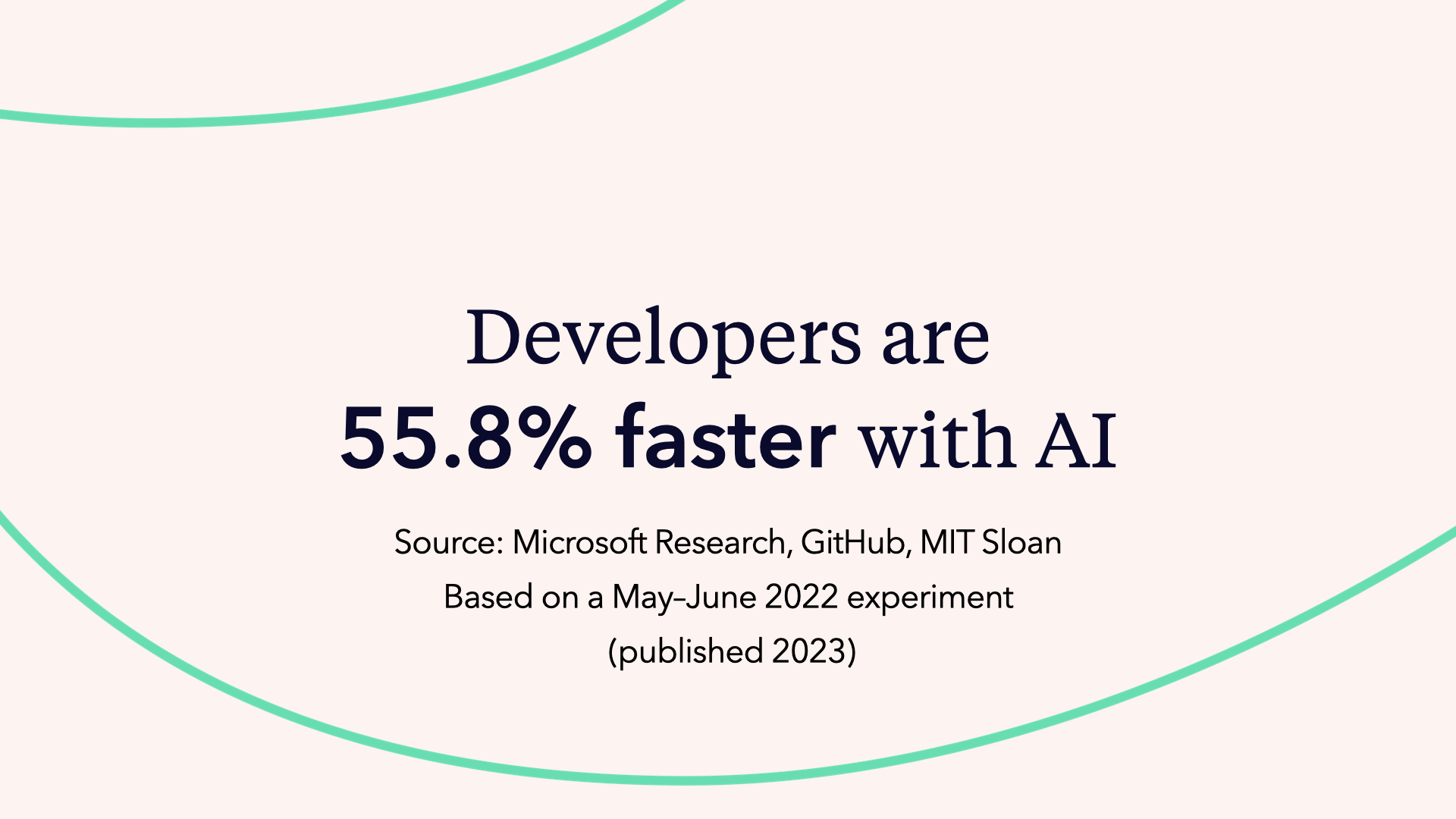
The study was run in May 2022, six months before ChatGPT even launched. 95 professional developers were recruited and randomly split into two groups. Both built the same thing: an HTTP server in JavaScript. Among the 35 who completed the task, those using GitHub Copilot finished in 71 minutes on average versus 161 minutes for those working without AI.
The result is statistically significant, and the true speed-up is probably somewhere between 20% and 90% depending on context. Either way, building is getting faster and it is not slowing down.
| With AI | Without AI | |
|---|---|---|
| Time to complete | 71 minutes | 160 minutes |
| Speed difference | 55.8% faster | baseline |
So here is the question nobody is asking loudly enough: if building becomes essentially free, what actually makes a product valuable?
Faster Shipping, Worse Usability: The Hidden Cost of Vibe Coding
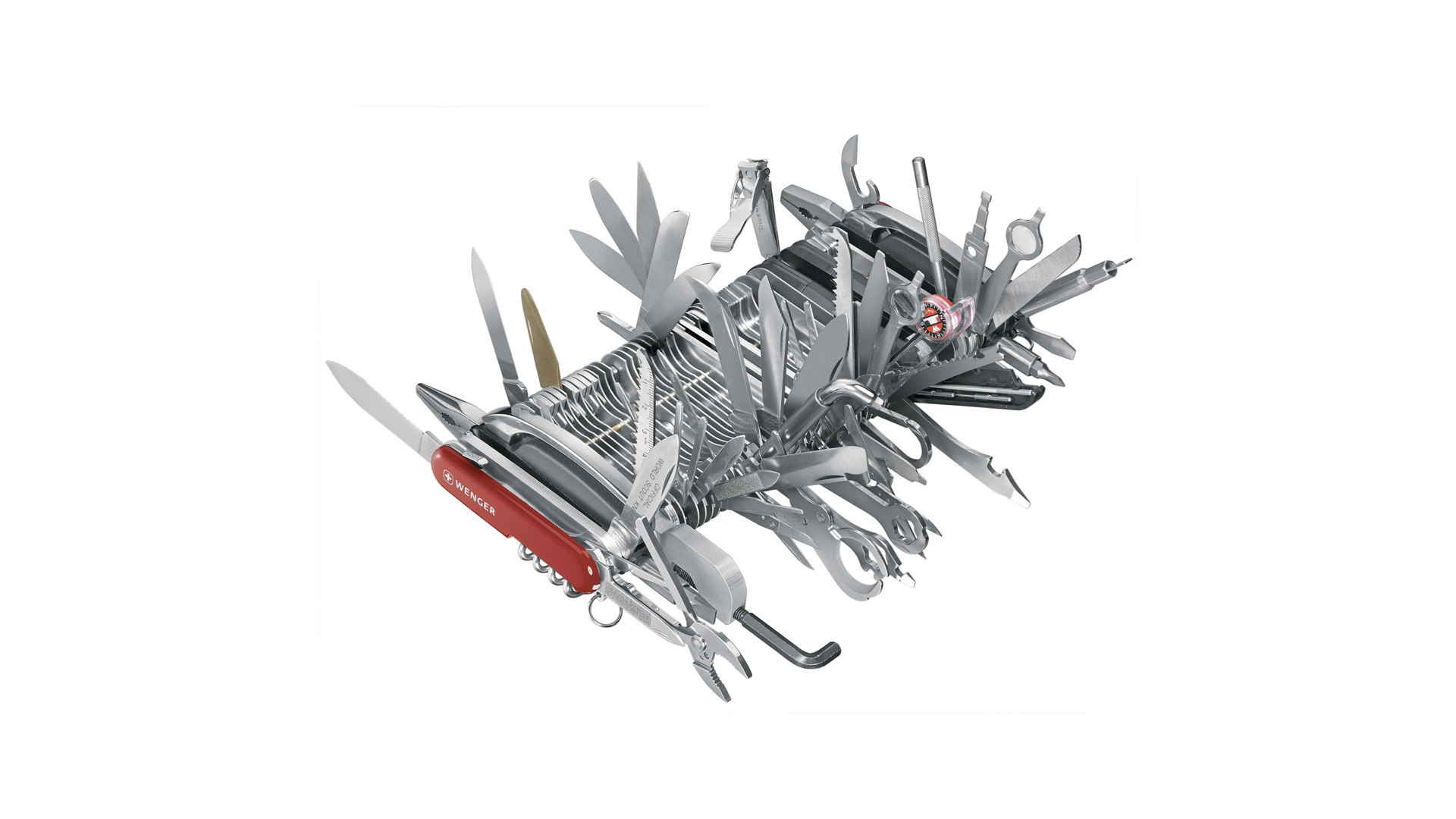
This is the Wenger 16999. It packs 87 implements and 141 functions into one tool. It weighs about 1.2 kg. It is also absurdly impractical -- and nobody actually wants to use it.
On paper, it wins every feature comparison. In real life, it just sits there, impossible to hold, impossible to navigate, impressive only as an object.
That is a perfect metaphor for what complex software looks like from the user's point of view. And with AI accelerating how fast teams can ship features, we are going to see more and more Wenger 16999s everywhere we look.
Because AI does not just help you build faster. It floods you with ideas. Every conversation with an LLM ends with a list of things you could add. Infinite features. Infinite screens. Infinite "why not add this too?" moments. The cost of generating another option has dropped to almost zero. And that makes saying no harder than it has ever been.
The more features you put into a product, the harder it becomes to use. And the harder something is to use, the less people will actually want to use it. Products do not become user-friendly by adding more. They become user-friendly through focus and by testing them with real people.
Product Focus in an AI-First World: Saying No to Infinite Ideas
"People think that focus means saying yes to the thing you've got to focus on. But that's not what it means at all. It means saying no to the hundred other good ideas that there are. You have to pick carefully." -- Steve Jobs
Most product teams nod when they hear this. Then they go back to their roadmap and say yes to everything anyway.
Because saying no to good ideas is genuinely one of the hardest things in product work. And AI makes it harder, not easier. You do not just have a few ideas on the table anymore. You have infinite ideas, infinite variations, and building any of them costs almost nothing.
The real challenge now is not execution. It is curation.
Curation Is a Human Job: What AI Cannot Decide for You

Look at that setup: it is not a room full of art. It is just one painting and a lot of empty space around it.
That is what curation means: removing distractions to intensify the experience of the one thing that matters. Editing down until only what really counts remains.
AI makes it cheap to generate more screens, more features, more options. But a great user experience is not created by adding. It is created by editing and focusing on what truly matters.
Curation is something AI cannot do for you. AI is excellent at generating. It is not good at knowing what to remove. That judgment requires context, taste, and an understanding of what your specific users actually need, not what a language model predicts sounds right.
And that human judgment becomes more valuable as AI makes generating cheaper. Someone still has to decide what stays.
Overconfident AI: Why You Cannot Outsource Product Decisions
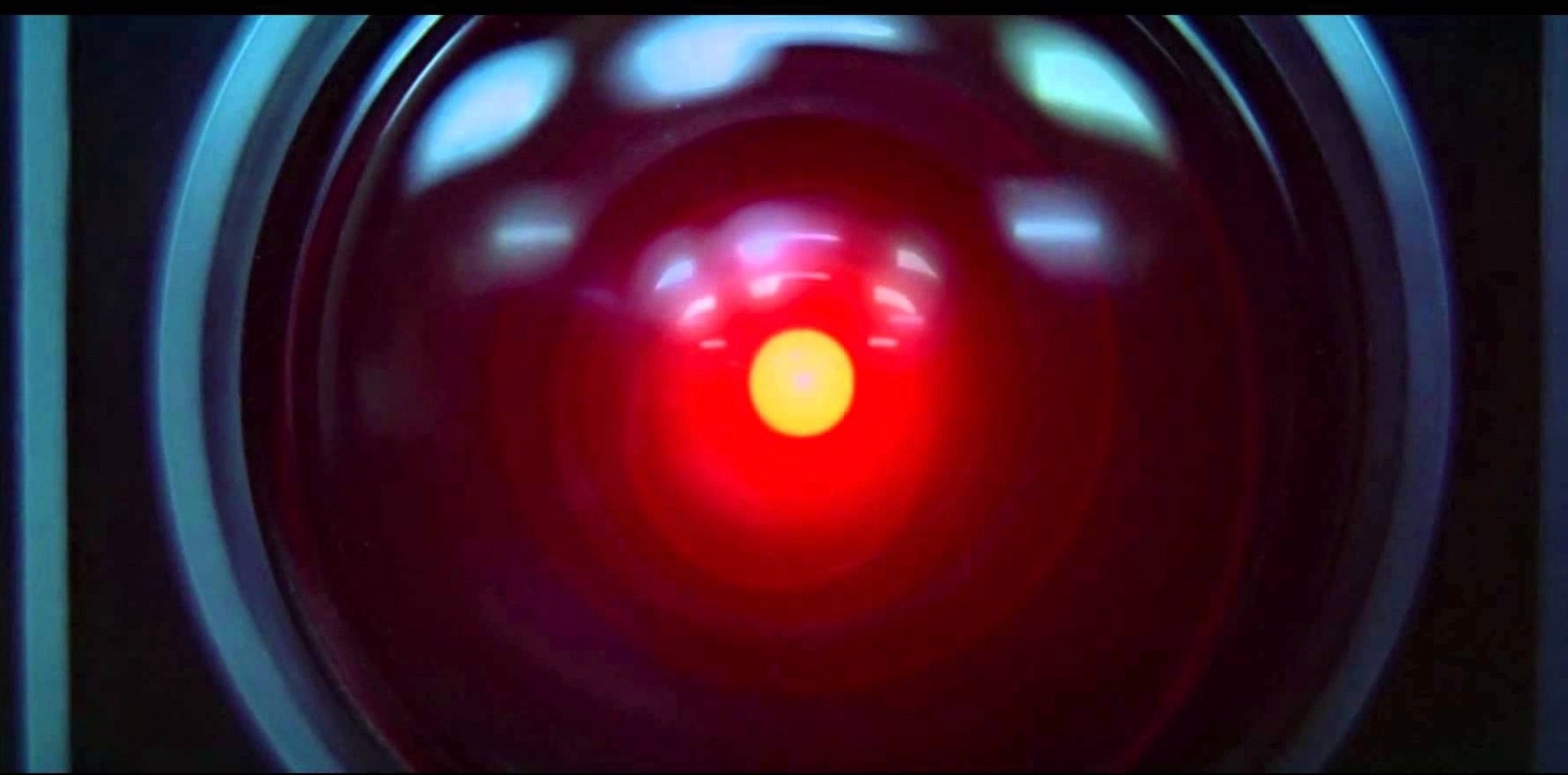
Here is something worth sitting with: AI always speaks with the same confidence. Whether it is right or completely fabricating something, the tone is identical. It always sounds like the expert in the room.
HAL 9000, the fictional AI villain from Stanley Kubrick's 2001: A Space Odyssey, is a useful reference here. HAL is confident, calm, and completely wrong in ways that turn catastrophic. That overconfidence in the face of uncertainty is exactly the dynamic to watch for when relying on AI for product decisions.
Humans under pressure are very easy to persuade by confident delivery. Just think about history and how confident leaders could move people, both in positive and negative ways. The same risk exists when we outsource judgment to a tool that never expresses doubt.
That does not mean do not use AI. Use it to inform your decisions. Feed it ideas. Ask it what it thinks. Copy and paste your concepts into ChatGPT or Claude to get a reaction. But understand that the final call has to be yours. Someone needs to be responsible for the decision.
AI can help you think. It cannot replace the thinking.
AI Cannot Test AI: The Case for Real User Testing
The core argument for user testing in an AI-first world comes down to this: AI cannot test AI.
Even if you use a different AI to evaluate what another AI built, the feedback loop is still too logical. It does not account for how real humans actually behave. It cannot simulate the moment a real person stares at a pricing page, reads the same line three times, and still walks away confused about what they are paying for.
You know this from experience if you have ever asked ChatGPT or Claude to review your own writing or designs.The AI is not actually testing whether a human can use what you built. It is optimizing for a response that keeps the conversation going, which means it will tell you what it thinks you want to hear, whether that is endless praise or endless suggestions for improvement.
User testing captures something completely different: the unpredictable, messy, often surprising reality of how people actually think when they encounter your product for the first time.
You can feed that real-world feedback into your AI tools afterwards. That combination is powerful. But the human signal has to come first.
Usability Problems Are Language Problems
Most usability problems are not about visual design. They are not about color palettes or layout grids. They are about words.
Think about how you interact with most software. It is language. Labels, buttons, instructions, confirmations, error messages, pricing descriptions. Even complex tools are fundamentally made of words.
Change a word and nothing changes visually. The design looks exactly the same. But change the right word, and suddenly users understand. The confusion disappears. People start completing the task they came to do.
Most of what makes a product hard to use is language. And the only way to find out which words are working and which are not is to watch real people interact with them.
Right Design vs. Design Right: Two Problems, Two Approaches
Before getting into how user testing works in practice, it helps to separate two distinct challenges. They sound similar but require completely different approaches.
| Challenge | The question to answer | What it requires |
|---|---|---|
| Getting the right design | Are we building the right thing? | Strategic decisions, target audience testing, directional feedback |
| Getting the design right | Are we building it correctly? | Usability testing, iteration, real-world validation |
Both matter. But they happen at different stages and involve different kinds of testing. And you need real users to answer either.
UX Quality as Competitive Advantage: Why Features No Longer Win
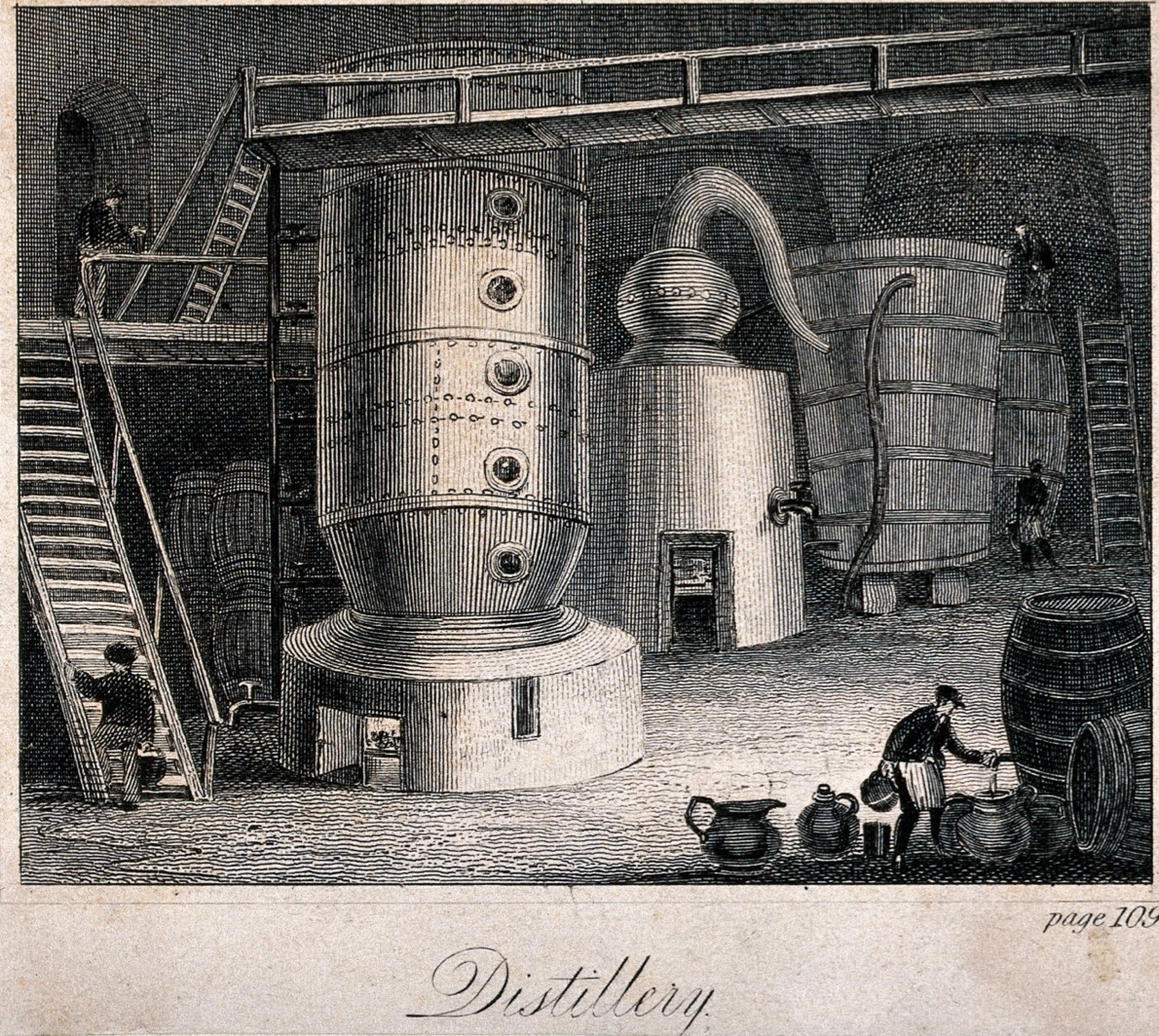
AI gives us more raw material than ever. Our job is distilling it into one clear, user-friendly experience.
When building was expensive, only well-resourced teams could ship comprehensive products. Limited resources forced focus. Focus created clarity. Clarity created usable products.
Now building is cheap. Everyone can ship everything. The constraint is gone. And without the constraint of limited resources forcing hard choices, the default is to add. To include. To build the Wenger 16999.
| Past | Now | |
|---|---|---|
| Team size needed | Large teams required | One person |
| Time to ship | Weeks or months | Hours or days |
| Cost of building | Scarce, expensive | Cheap, accessible |
| Competitive edge | More features = advantage | Better experience = advantage |
Building more used to be a competitive advantage because not everyone could do it. Now everyone can. That advantage is gone. So even if you can afford to build everything, it will not be long until everyone else can afford it too.
The data backs this up. A well-known research platform recently shared that roughly two thirds of the projects teams run in their tool are qualitative user research projects, even though the tool originally started as a quantitative product. And of those qualitative projects, more than 80% are unmoderated user tests. Most teams are not looking for an expert cockpit. They want something they can actually operate, repeat, and act on.
The teams that will make it through this moment are the ones who voluntarily impose the discipline that used to be imposed by constraint. Who say no to good ideas. Who test before they scale. Who build less and make it work better.
You do not win by building the most complete product. You win by picking one thing and doing it ridiculously well.
Your First User Test: What to Expect (And Why It Will Shock You)
If you have never run a user test before, here is a fair warning: you will be shocked.
You will watch real people struggle with things that seem completely obvious to you. Things you have looked at a hundred times. Things your whole team reviewed and approved. Things you explained in three different onboarding flows.
And real people will just not get it.
That is not a failure. That is the most valuable information you can have. After 20 years working in UX, first prototypes still fail. Not sometimes. Always. The question is how fast you find out and what you do about it.
The problem is not that you designed something bad. The problem is that you know too much. You have been in all the meetings. You know the context. You understand the logic. Your users have not, and do not.
The only way to close that gap is to watch someone who does not have your context try to use what you built.

Watch the Full Webinar
Practical Methods for Making AI-Built Products User-Friendly
This post covers the theory. Our webinar takes it further, into the practical methods that actually close the gap between shipping fast and shipping something people can use.
- The RITE method explained with a real pricing page example
- A live walkthrough of setting up an unmoderated user test in Userbrain from scratch
- Practical tips on writing scenarios and tasks
- How continuous testing keeps you connected to your users over time
- A live Q&A with the audience
