


Your AI tools already help you think, plan, write, and decide faster. Userbrain MCP gives them the one thing they were still missing: what real users actually did with your product.
What is Userbrain MCP?
Teams use AI tools like Claude and ChatGPT to review specs, refine copy, compare options, and make decisions in minutes. What those tools don't have by default is feedback from real people using the product. They can know the spec, the roadmap, and the team's assumptions, but they can't tell you what users struggled with, what confused them, or where they got stuck.
That gap matters more as AI becomes part of everyday work. Without real user feedback close to the moment of decision, AI can make a team faster without making it more certain. For teams already testing with Userbrain, closing that gap used to mean switching tools, digging through sessions, and copying evidence back into the AI conversation by hand. For teams not yet testing with real users at all, decisions can end up based mostly on assumptions, internal opinions, or guesses about what users will understand.
Userbrain MCP closes that gap by giving your AI tool direct access to your Userbrain tests:
- session recordings and clips
- task instructions and test setup
- AI-generated findings from real testers
- the actual UX problems people ran into
Instead of leaving the conversation to go find evidence, you can ask what users struggled with in plain language and get an answer grounded in real behavior, right where the decision is being made.
It's also why we built it the way we did. Before Userbrain MCP, even a team already testing with real users could end up with the evidence stuck in one person's head. Whoever ran the test would watch the sessions, and everyone else would move on to the next sprint without ever seeing them. Weeks later, even that person might not remember the details. AI tools didn't have access to any of it, because there was no direct connection between the two. Userbrain MCP closes that specific gap.
What Userbrain MCP can do
| Capability | What it does | Example question |
|---|---|---|
| List tests | Returns every test in your account so the AI knows what exists before looking into any one of them | "What's the title of my latest test?" |
| Get test details | Retrieves task instructions and test setup for a specific test | "What tasks did we give testers in the checkout test?" |
| Read AI Insights | Pulls Userbrain's pre-built findings (positive feedback, usability issues) instead of re-analyzing raw footage itself | "What were the top usability issues in this test?" |
| Get sessions and clips | Surfaces individual tester recordings so you can verify a finding yourself | "Show me the clip where someone got stuck on checkout." |
| Get transcripts | Fetches the verbatim transcript, but only when a question needs exact wording, to avoid burning tokens on data you don't need | "Did any tester use the word 'excellent'?" |
It's read-only by design. Userbrain MCP can't order tests, manage team members, or change anything in your account, it only reads what's already there. That also keeps things simple on the AI side: it doesn't need to ask permission or double-check whether an action is safe, because there's nothing destructive it could do.
Your AI tool also never talks to your Userbrain data directly. The MCP server sits in between as a gate, deciding what the AI actually receives. That's part of why it stays token-efficient by default, only fetching heavier data like a full transcript when a question actually requires it.
How to use it
Works with ChatGPT and Claude via official one-click connectors, and with other MCP-compatible tools via a custom connector.
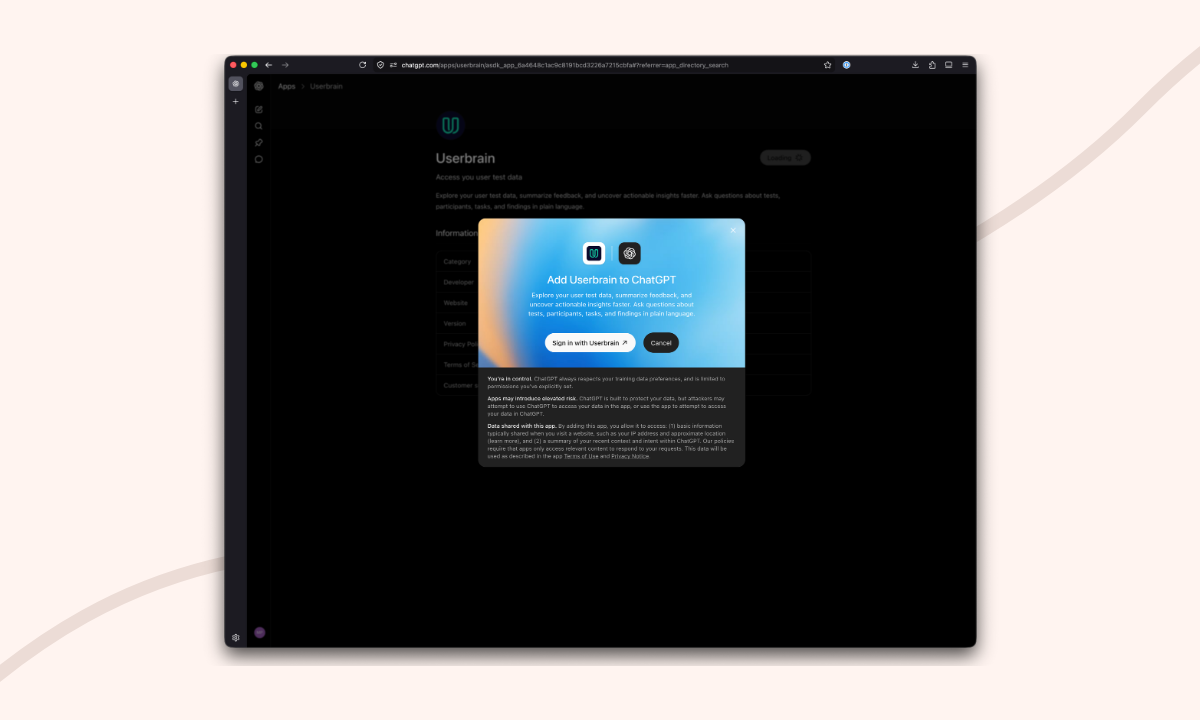
1. Connect Userbrain MCP to your AI tool. Install the Userbrain app in the ChatGPT app store, or add the official Userbrain connector in Claude. Using another MCP-compatible tool? Full setup steps are in our Knowledge Base.
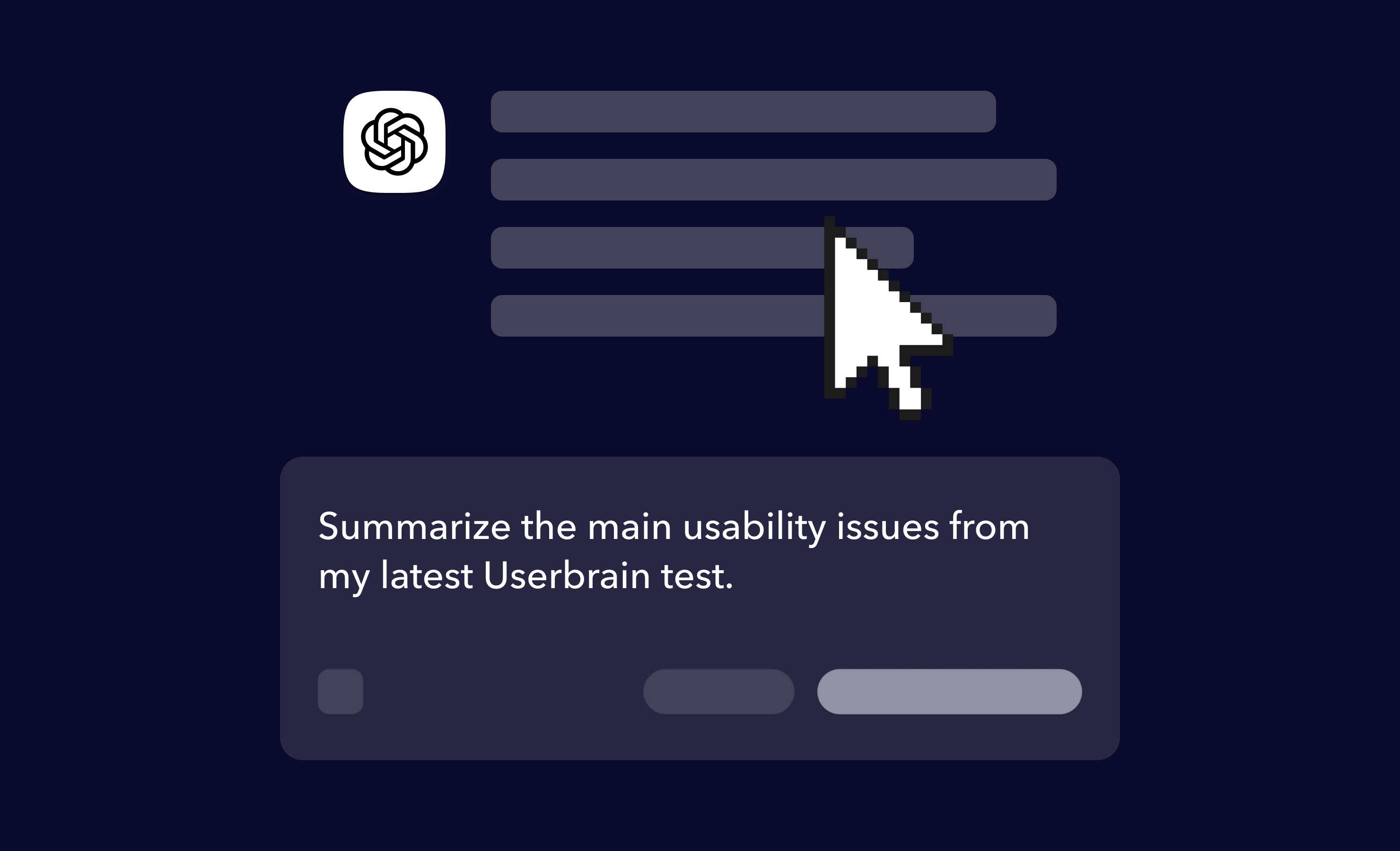
2. Ask in plain language. Say your team just ran a test on your checkout flow. Instead of opening Userbrain, scrolling through sessions, and copying notes into a doc, you can ask directly in ChatGPT or Claude:
Summarize the biggest issues from my latest user test and suggest the top three fixes
3. Get grounded answers. The AI pulls the relevant test, reads the task instructions and session findings, and gives you something like this:
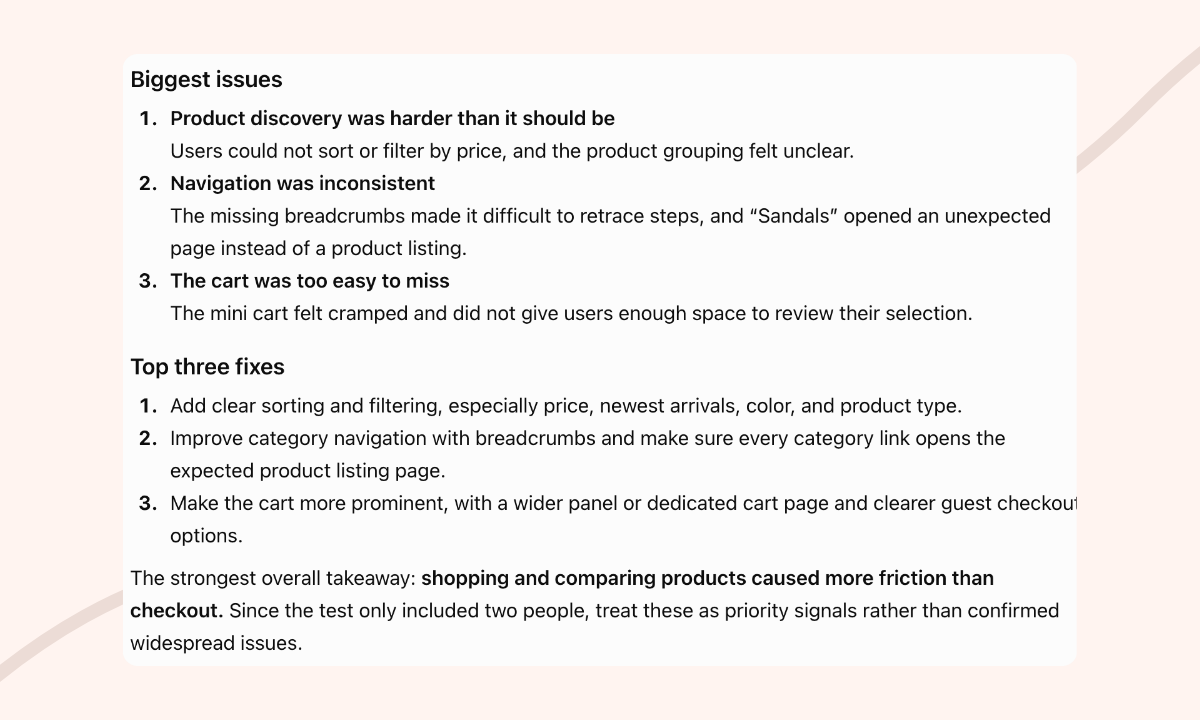
In this example, the AI flagged the biggest issues:
- Unclear product grouping, users couldn't sort or filter by price
- Missing breadcrumbs, making it hard to retrace steps
- An easy-to-miss cart that felt cramped
And suggested fixes for each:
- Add clear sorting and filtering (price, newest, color, type)
- Add breadcrumbs and fix category links
- Make the cart more prominent
Since this test only included two people, treat findings like these as priority signals rather than confirmed widespread issues.
Watch the full walkthrough
In this video, Andreas from Userbrain connects Userbrain to ChatGPT and asks plain-language questions to pull real user testing data straight into the conversation. No switching tools, no digging through sessions, no copy-pasting.
Example prompts
Not sure where to start? Here are a few prompts other teams use to get straight to the point:
What were the biggest usability issues on our latest checkout test?
Show me the main problems from the last onboarding session.
Which tests mention confusion around the plan comparison page?
A few more examples of what people ask, by category:
| Summaries and priorities | Specific problems | Comparisons |
|---|---|---|
| "Top three takeaways from this test" | "Did anyone get stuck on checkout?" | "Which onboarding version performed better?" |
| "Quick wins we should ship first" | "Find mentions of the pricing page" | "What changed between this test and the last one?" |
Why teams use it
- Speed. Skip the manual work of opening Userbrain, scrolling sessions, and copying notes into a doc.
- No tool switching. Ask the question right where you're already planning, writing, or deciding.
- Grounded answers. Every response comes from your actual tests, not a guess about what users probably think.
- Momentum. Follow-up questions get answered in the same conversation, instead of stalling a decision while someone digs through recordings.
- Token-efficient by default. Userbrain MCP pulls from Userbrain's pre-built AI Insights instead of dumping full transcripts into your AI tool. It only fetches heavier data, like a full verbatim transcript, when your question actually requires it, so you're less likely to burn through your chat's usage limits on a simple question.
What this does (and doesn't do) today
This isn't about replacing user research. It's about making the evidence you already collected easier to use, right where product decisions actually happen, especially for teams where testing is run by a founder, designer, or product manager rather than a dedicated researcher.
This first version is intentionally focused: it helps your AI tool read and summarize your existing Userbrain data. It doesn't replace the need to run tests or collect feedback from real users, and it can't create, edit, or delete anything in Userbrain. It simply removes the manual step of moving evidence you already have into your AI workflow. That's the real win. The next step we're exploring is moving past read-only, so your AI tool could eventually act on findings directly, like ordering a follow-up test, instead of only reading and summarizing existing ones.
