


Talk to your user test data like to a colluege. Ask anything and get source based answers straight away with Ask Userbrain. Get all the answers hiding in your user tests.
You ran the sessions. You have the raw footage. Now comes the part that slows everything down: finding the insights that matter.
Ask Userbrain removes the digging. Just type what you’re looking for, and get the quote, the clip, and the timestamp. No searching through timelines. No scanning transcripts. Just answers you can act on.
What is Ask Userbrain?
Ask Userbrain is natural-language search across your user tests. It works across video, transcripts, notes, and highlights.
Type any question and get back pinpoint answers, complete with clips, notes, and transcript snippets. Ask anything you want, and cut analysis time to minutes.
You type a question. It finds the exact moment. The result includes a verified quote, a link to the clip, and the timestamp, so you can show proof as easily as you asked the question.
What Can You Ask?
From positive signals to content clarity checks, Ask Userbrain lets you treat your user tests like a conversation. No filters. No complex syntax. Just type what you want to know as if you were asking a teammate.
Want to know if anyone got stuck on mobile navigation? Curious whether the red text drew attention or confused people? Need to find the one quote that shows users didn’t trust the sign-up flow? Or maybe you're preparing a sprint review and need the top three takeaways, fast.
Ask Userbrain handles all of that and more. It understands your question, searches across your test sessions, and brings back exactly what you’re looking for, complete with the quote, the timestamp, and the clip.
It’s the fastest way to get from raw footage to a verified insight without hours of scanning, guessing, or digging. You don’t just save time. You keep momentum. And you bring decisions closer to the voice of your users.
Here are a few examples of the top question categories customers asked about, along with sample questions.
| Summaries and key insights | Copy, clarity, and trust | Comparisons and priorities |
|---|---|---|
| "Top three insights" | “Did users understand the icon?” | “Which option performed worst?” |
| "Quick wins" | “Find mentions of red text” | “Most liked features” |
| “One-paragraph summary” | “Insights focused on trust” |
How It Works1
- Open any test in your dashboard and go to "AI Insights"
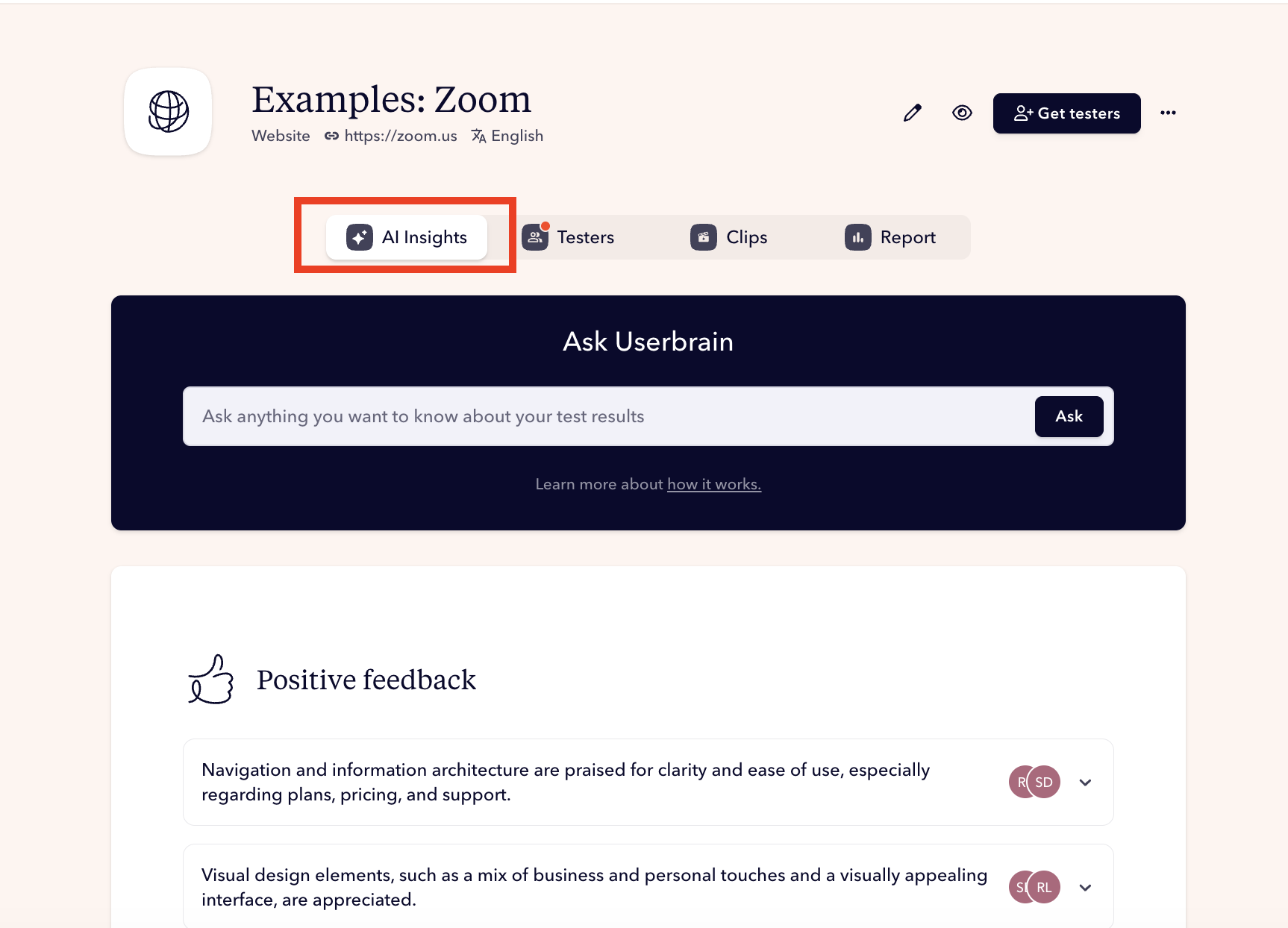
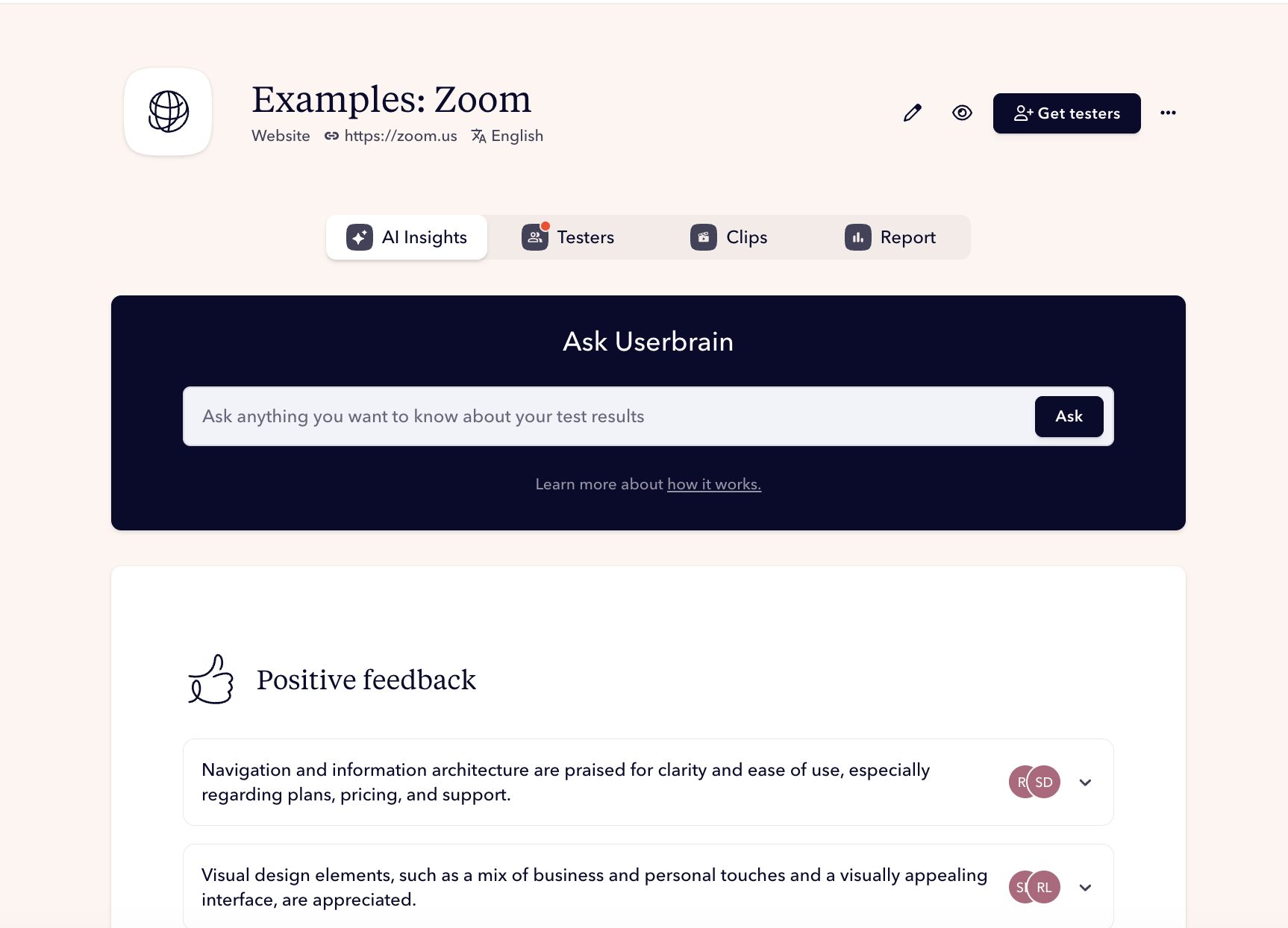
- Type a plain-language question like: “What did testers say about navigation?”
- Click “Ask”
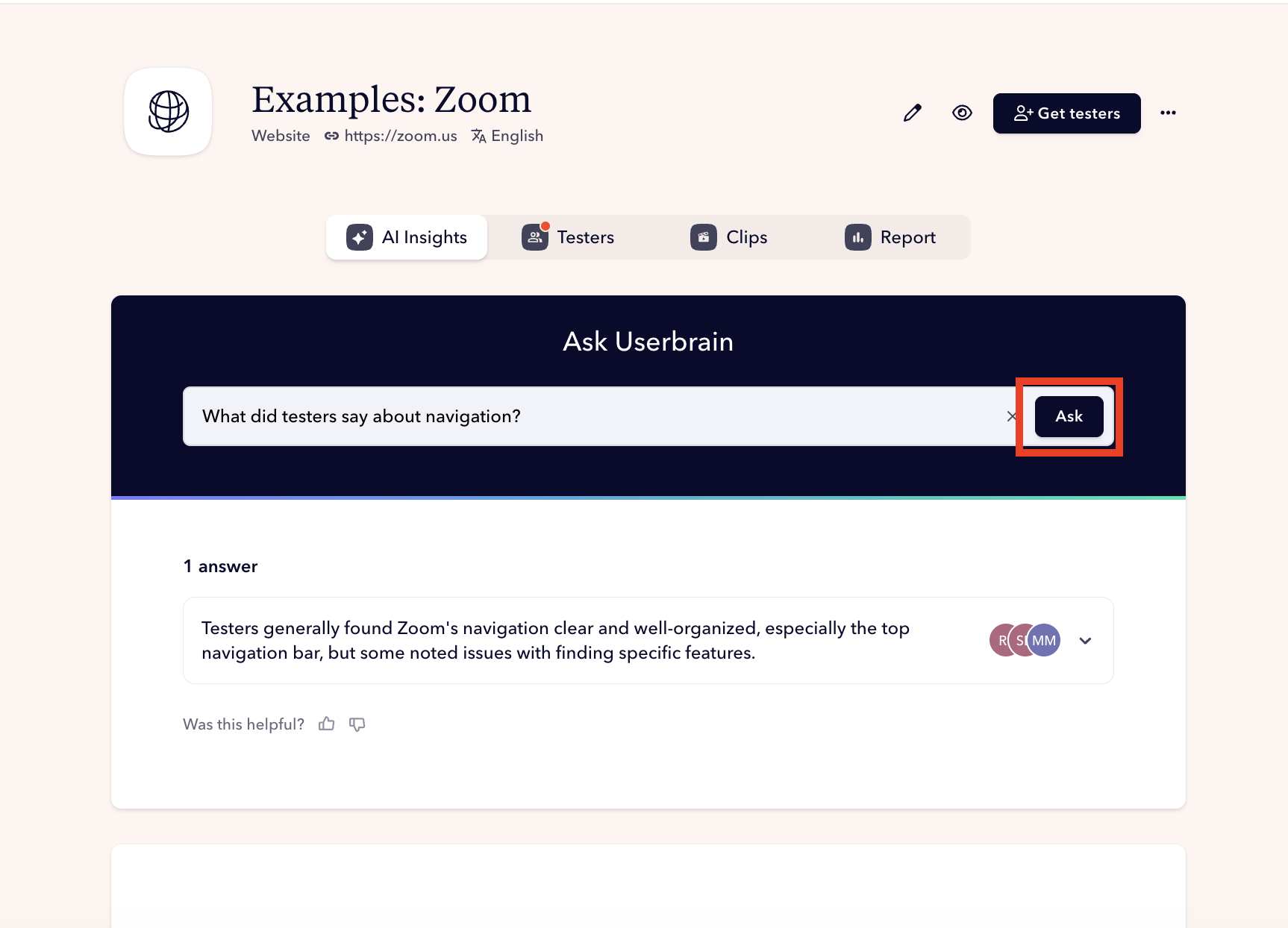
- Get back pinpoint answers, complete with clips, notes, and transcript snippets.

- Click the sources to get right away to the clip. Share with anyone.
Why Teams Use It
Running a user test is just the beginning. With fast user testing recruitment and AI-powered analysis, getting results is no longer the bottleneck.
But when follow-up questions come in, the ones that really drive decisions, you're still left digging through AI-generated notes, clips, and highlights to find the exact answer you need.
Ask Userbrain changes that. It gives you quick, clear answers, exactly when you need them. Teams use it for:
- Speed: Cut analysis time from hours to minutes
- Clarity: No filtering or searching, just ask
- Proof on demand: Every result links to the exact moment
- Momentum: Answer follow-up questions instantly and keep the sprint moving
- Confidence: Support every decision with user evidence
AI Driven, Backed Up by Real People
Imagine you’ve finished testing. You open Ask Userbrain and start with the big questions:
- “What were the top issues testers ran into?”
- “Did anyone struggle with the sign-up flow?”
- “Any red flags or negative comments?”
The answers appear instantly, clear, source-backed, and easy to copy into your deck. Before you present, someone on the team asks, “Did anyone say anything good about the onboarding?”
You type the question, show the result, and play the clip. The team sees it. You’ve got it covered! Prepared, confident, and already moving the conversation forward.
Go from questions to insights in seconds. No searching. No guessing. Just answers backed by real users.